
AI Jawline Filter
Like a jawline filter, but personalized to your actual face. Yours to keep as a real photo, not just a live camera effect.


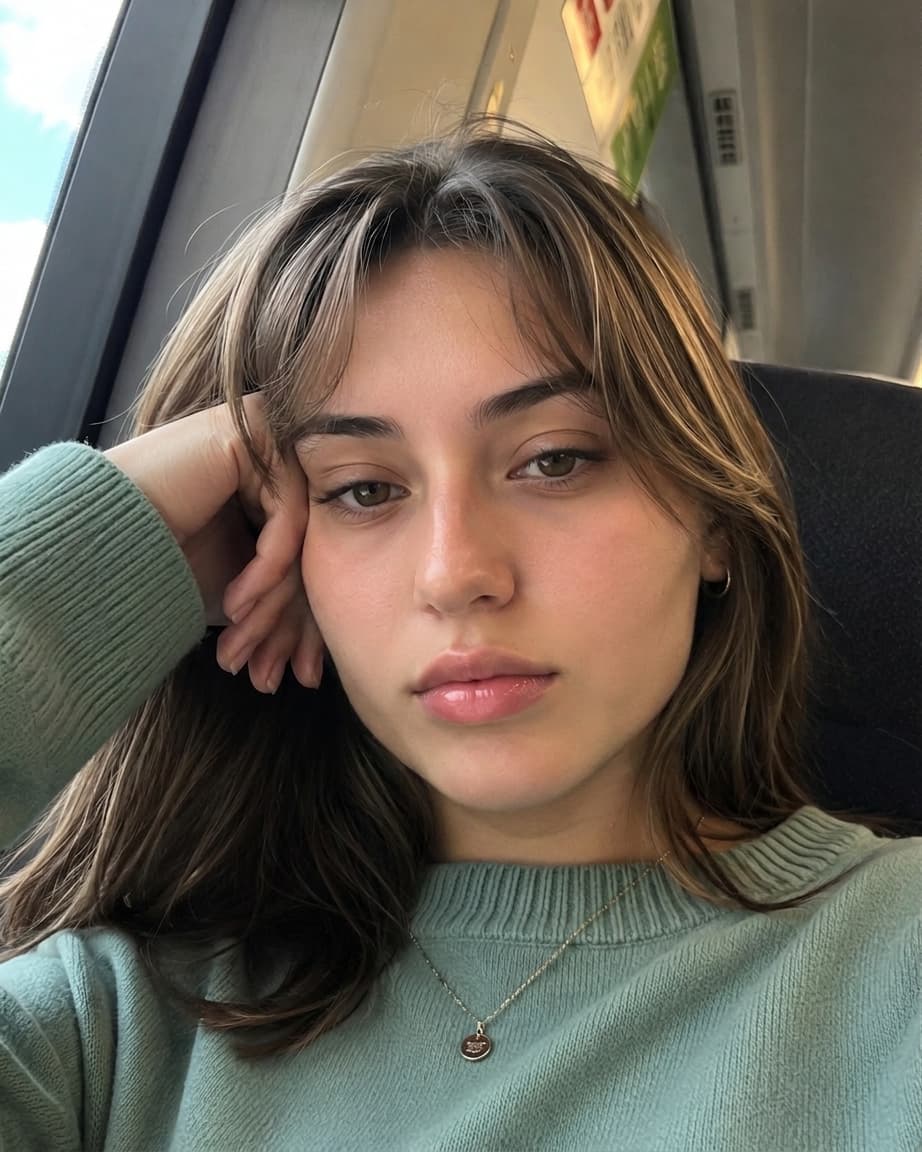
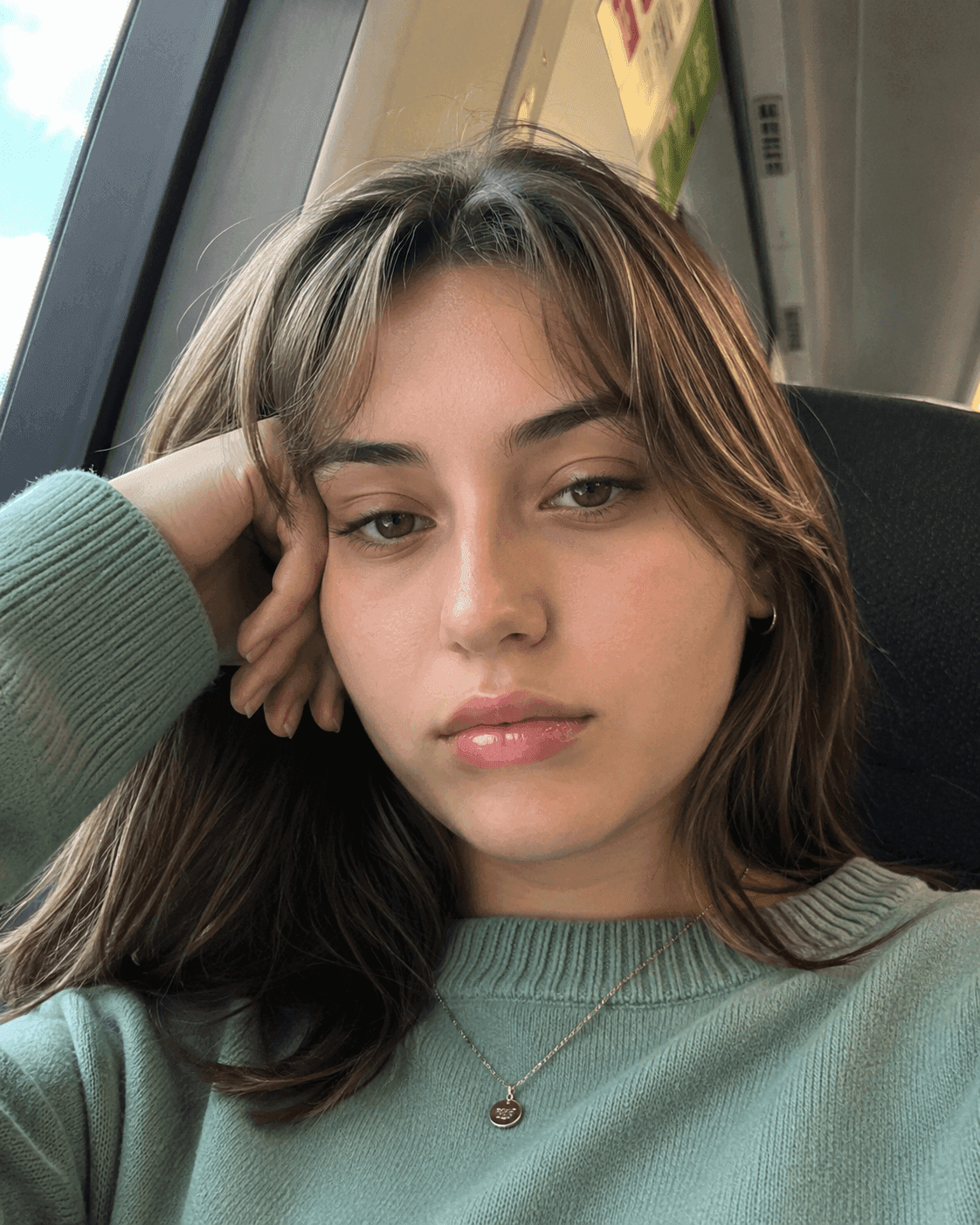




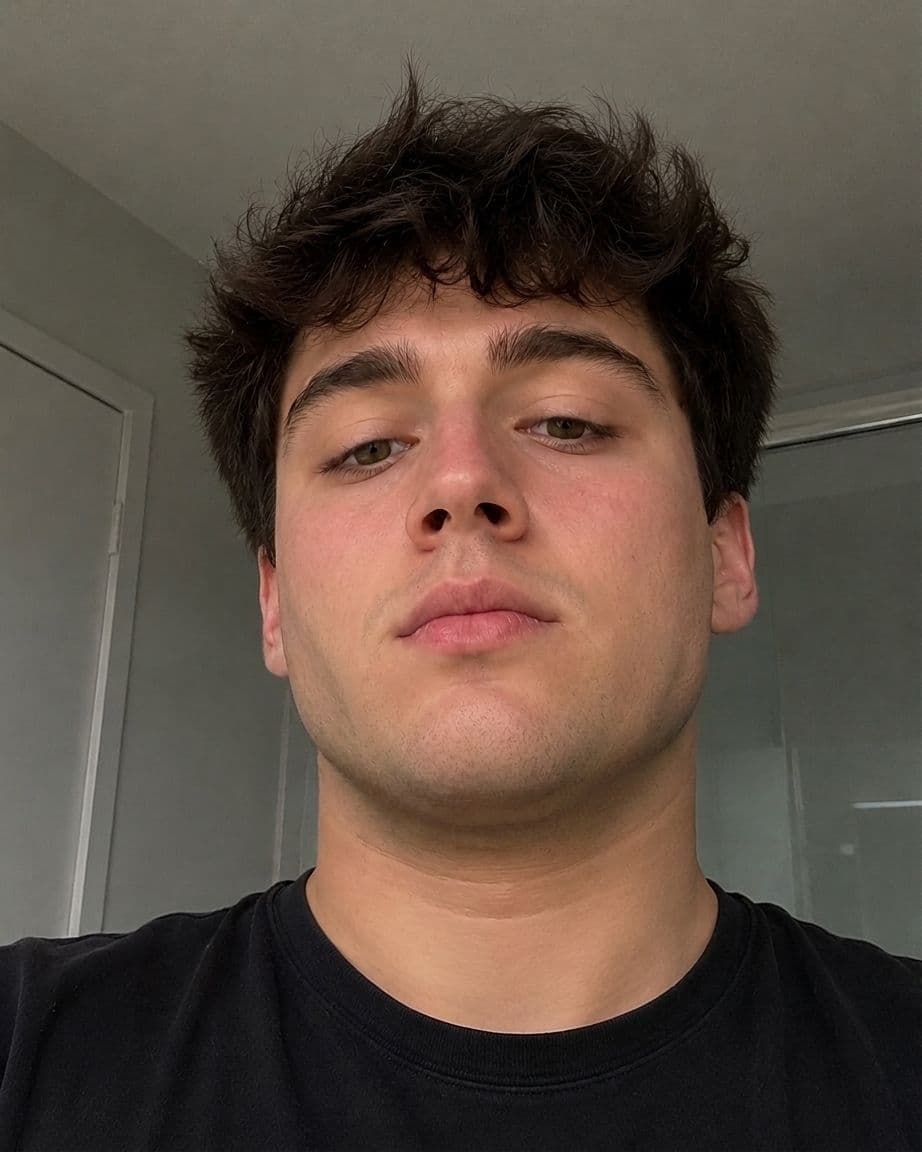
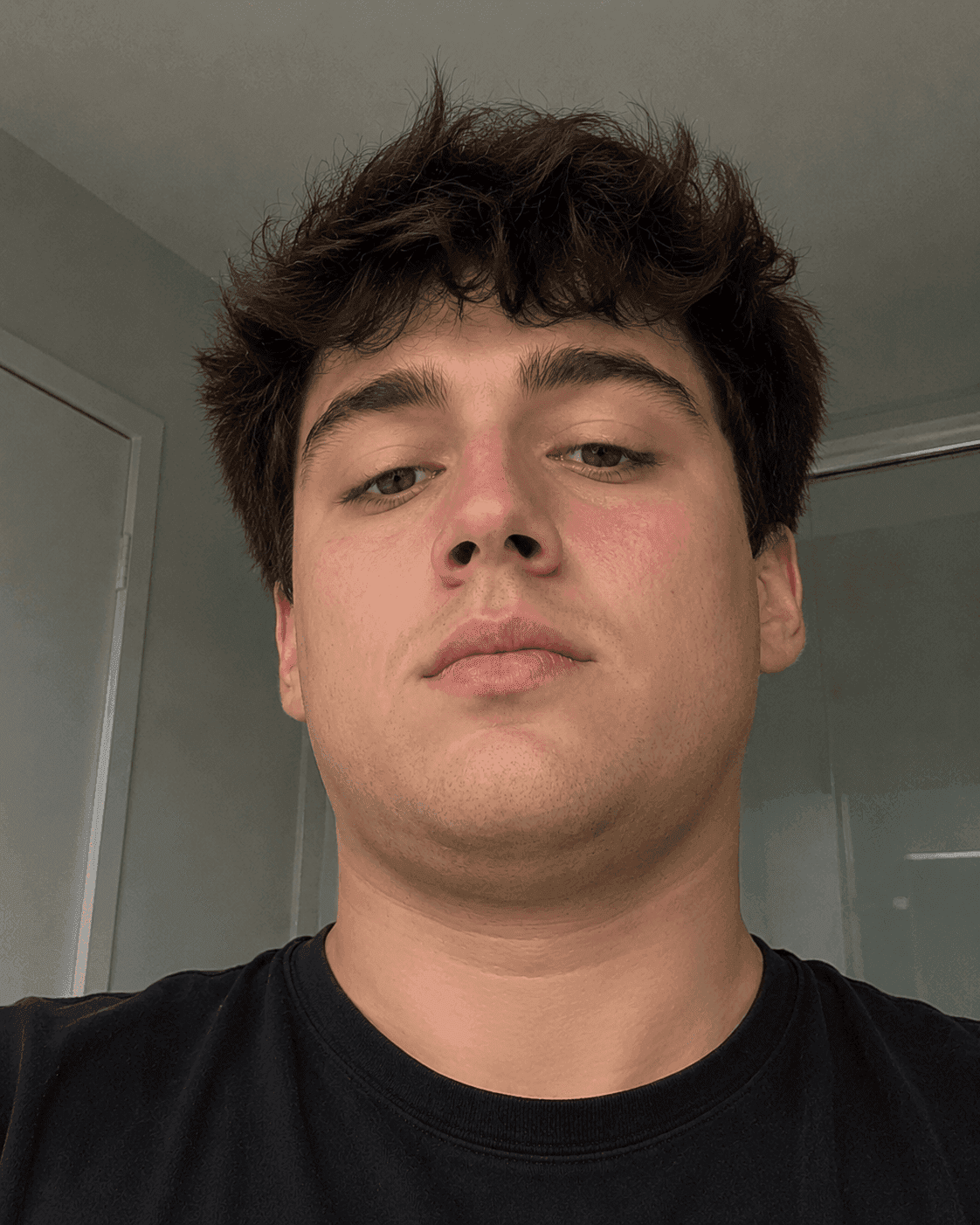
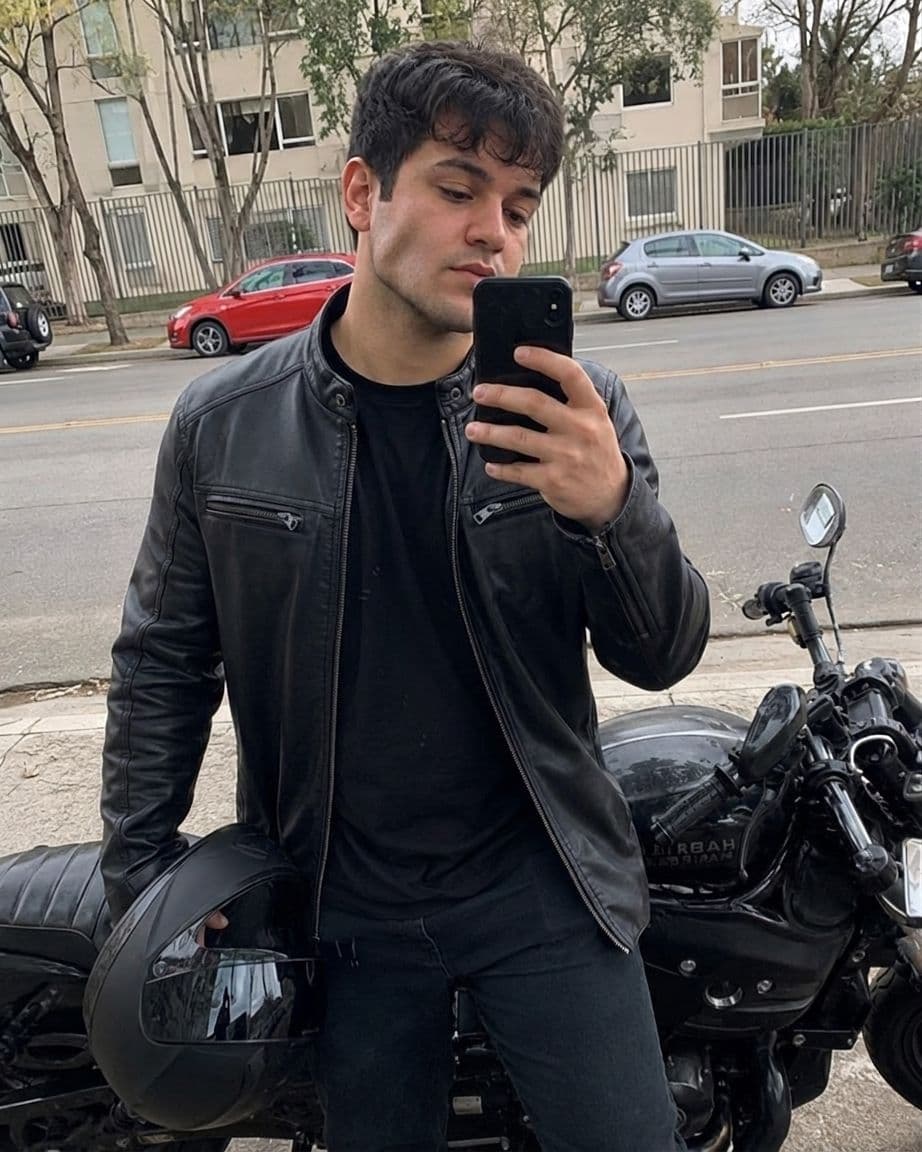







Camera filters apply the same jawline effect to every face in real time. This tool works differently. It analyzes your specific photo and generates a jawline that matches your bone structure, lighting, and angle.
How it works
Three steps, no camera app or filter pack required.
- 1Upload a selfie
- 2Choose your desired jawline strength
- 3Generate and compare before/after
- 4Download photo
Where others use it
For photos you want to share or keep.
Define your jawline now
Upload a clear selfie or portrait, choose your jawline strength and click Define Jawline to see your before/after.
Upload selfie or portrait
Drag & drop or click to select
JPG, PNG, WebP up to 15MB
Photo must be of a person, and be yours (not of e.g. a celebrity)
Your before/after will appear here...
Upload a selfie or portrait to get started.
Jawline settings
Choose how strongly to define your jawline. Subtle and natural is the default.
We recommend starting subtle. You can always try again with a stronger setting.
Dimensions & resolution
Unlike a camera filter, this doesn't track your face in real time or apply a generic overlay. It generates a new version of your uploaded photo with a more defined jawline that is ready for you to download or edit further.
Pricing
No subscriptions. Try a natural jawline enhancement for a few credits.
No subscriptions. Pay only for what you use. Get 1 free credit on signup.
Trial Pack
Perfect for trying out the magic
- ✓10 jawline generation tries
- ✓Male and female support
- ✓Background removal
- ✓No watermark
- ✓Instant download
Popular Pack 🥇
Best value for regular users
- ✓50 jawline generation tries
- ✓Male and female support
- ✓Background removal
- ✓No watermark
- ✓Instant download
- ✓Priority processing
Professional Creator Pack
For ongoing work
- ✓250 jawline generation tries
- ✓Male and female support
- ✓Background removal
- ✓No watermark
- ✓Instant download
- ✓Priority processing
Try the AI jawline filter on your own photo
Upload a selfie and see your before and after in under a minute.
Define your jawlineFrequently asked questions
No. It doesn't work through your camera in real time. You upload a photo, and the AI generates a new version of that photo with a more defined jawline.
A normal filter applies the same effect to every face. This tool analyzes your actual photo, so the jawline definition matches your face, lighting, and angle instead of looking pasted on.
Yes. You get a downloadable photo file you can post anywhere, unlike a live filter that only works inside one camera app.
The goal is natural. You control the strength, and the default setting is subtle so the result looks like a good photo rather than an obvious filter.
If your before photo is a real selfie, the after photo will look like a real photo also. If you chose maximum jawline strength, the after photo will look more unnatural. You can experiment with the strength.
Pretty much any photo works, but quality in means quality out. A clear, well-lit selfie or portrait where your face and jaw is preferable.
No. It works directly in your browser. From your phone, tablet, or desktop. Just upload a selfie, choose a jawline strength, and generate.
This tool can help define your jawline in your pictures. Upload one of your selfies and see how the tool transforms your jawline. It subtly enhances it, so it looks better. Try it for yourself.
Yes. The jawline filter makes your jawline appear more sharp and defined in photos. You will still look like yourself, just with a more defined jawline.